 Attack on Titan 3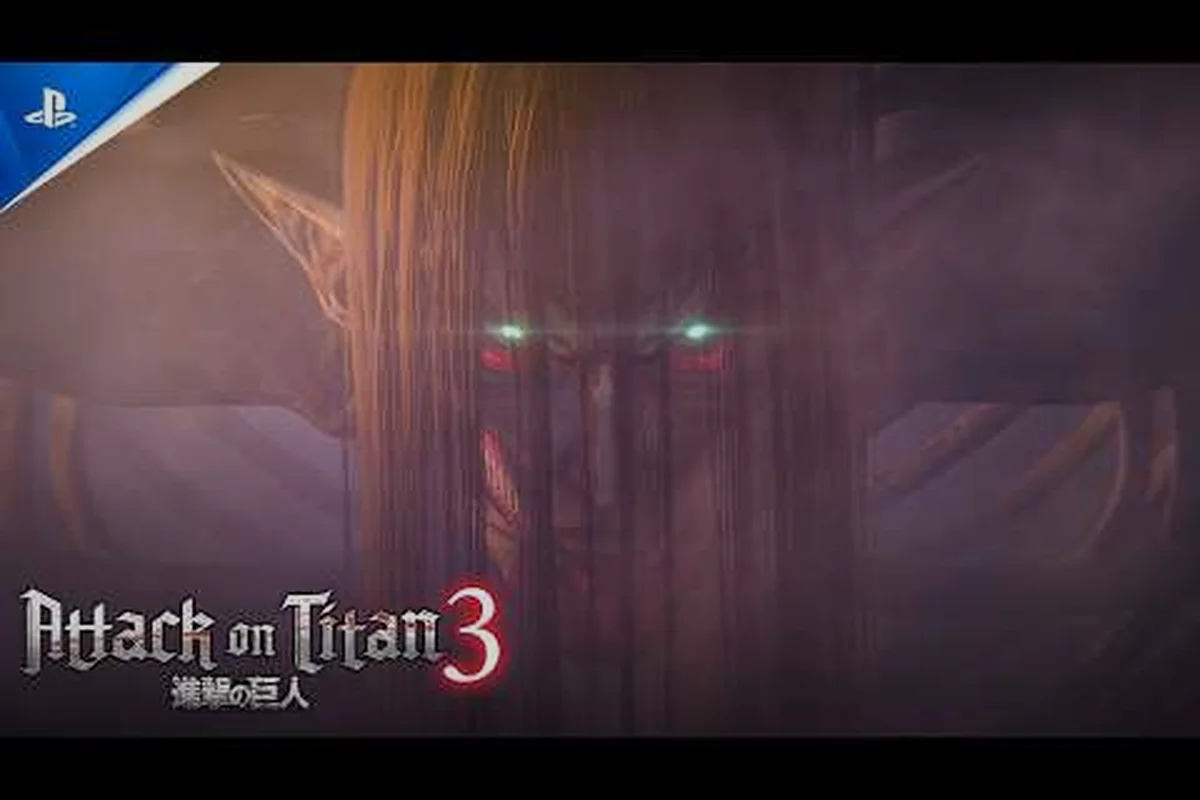
Getting Started with Attack on Titan 3
Attack on Titan 3 launches players into the most ambitious entry yet from Omega Force and KOEI TECMO, covering the full saga with Nine Titans boss battles, Exterior Scouting Missions, and evolved ODM (Omni-Directional Mobility) gear. This Attack on Titan 3 new player guide gives first-time recruits everything they need before the opening cutscene, so the first Titan encounter feels cinematic rather than overwhelming. Pick up the controls, lock in your preferred settings, and the early hours stop feeling like a trial run.
Before launching the game, decide whether Casual Mode or the standard control scheme fits your experience level. According to press materials, Casual Mode simplifies ODM aerial controls so newcomers can focus on story beats, while veterans can switch to full manual aiming later. The game releases December 9, 2026 across PS5, Xbox Series X|S, Switch 2, and PC, with Advance Access beginning December 6, 2026 for digital pre-orders.
-
Choose your edition: standard, Digital Deluxe (Art Book + 3 outfits + 7 customization items), or SteelBook Launch Edition.
-
Carry over AOT2 save data for bonus rewards if you played previous entries.
-
Pre-order bonus includes the Wings of Freedom Earrings cosmetic.
-
Set aside roughly 40 hours for the main campaign, plus side scouting missions.
New players who front-load controller calibration and display tweaks in the first menu screen report far smoother onboarding, which is why the next sections walk through each setting group in detail.
Controller Settings and Input Configuration
Controller settings in Attack on Titan 3 are deeper than a typical action game because the ODM gear demands simultaneous trigger, bumper, and stick input during aerial chains. Getting these bindings right early prevents the frustration of missed grappling hooks mid-combat, especially when fighting Nine Titans that punish hesitation.
Recommended Controller Layout
The default layout works for most players, but rebinding grapple to a shoulder button and mapping boost to a trigger noticeably improves reaction time during Titan pursuits. Community testers on Reddit report that swapping L3/R3 functions to blade switching helps when juggling multiple targets. Vibration feedback can stay on at moderate intensity, since strong pulses help telegraph Titan grabs.
| Setting | Recommended Value | Beginner Adjustment | Performance Impact |
|---|---|---|---|
| Aim Sensitivity | 5-7 (out of 10) | Lower to 3 for Casual Mode | Minimal CPU cost |
| Deadzone | 0.10 default | Increase to 0.15 if stick drift occurs | Negligible |
| Trigger Deadzone | 0.05 default | Leave at default | Negligible |
| Vibration | Medium | Off if hand fatigue sets in | Saves 2-3% GPU |
| Button Remapping | Custom | Keep default for first 3 hours | None |
| Hold vs Toggle for Boost | Toggle | Toggle recommended | Reduces input lag |
Keyboard and Mouse Setup
PC players using keyboard and mouse should rebind grapple to mouse side button and blade attack to left-click for natural aim-plus-swing motion. Keep gas/boost on Shift and ODM recall on R, matching muscle memory from prior musou-style games. Sensitivity around 800 DPI with in-game multiplier of 1.0 tends to feel closest to controller response for most newcomers.
Once controls feel natural, you can dive into the display and performance configuration covered in the next section.
Best PC Settings for Performance and Visuals
PC optimization in Attack on Titan 3 revolves around balancing the open-field Exterior Scouting Missions against tight urban Titan encounters. Running on mid-tier hardware like an RTX 3060 or RX 6700, the game targets 60 FPS at 1080p on High, while the Steam page confirms 4K support with DLSS and FSR upscaling options. Players chasing a locked framerate should focus on three sliders first.
Priority Settings to Adjust
| Setting | Recommended (Mid-range PC) | Recommended (High-end PC) | FPS Gain When Lowered |
|---|---|---|---|
| Resolution | 1920x1080 | 3840x2160 with DLSS Quality | +18% at 4K |
| Texture Quality | High | Ultra | +8% on High-end |
| Shadow Quality | Medium | High | +12% on Medium |
| Anti-Aliasing | TAA | DLSS or FSR Quality | +10-15% |
| Volumetric Fog | Off | Low | +6% |
| Crowd Density | Medium | High | +4% |
| V-Sync | Off (use frame cap) | Off | +3-5% |
This Attack on Titan 3 PC optimization breakdown reflects community-tested values from the Advance Access beta. Turning volumetric fog off delivers the largest single performance bump in urban districts because of overlapping light shafts, while lowering shadow quality helps during Exterior Scouting Missions where large squads cast dozens of dynamic shadows simultaneously.
Display Mode and Frame Cap
Cap your framerate to your monitor's refresh rate using RTSS or the in-game frame limiter to prevent micro-stutter. If you own a 144 Hz panel, lock to 141 FPS to leave headroom for shader compilation hitches during cutscenes. HDR looks impressive on supported displays, especially during dawn Exterior Scouting Missions where skybox gradients show real depth, but disable it on budget TN panels to avoid washed-out highlights.
For deeper visual tweaks and ultrawide considerations, see our mission settings walkthrough, which covers 4K, HDR, and 21:9 ultrawide support in detail.
Combat Mechanics Every Beginner Should Learn
Combat in Attack on Titan 3 layers three systems: Buddy Arts, Combat Arts, and Boost Move. Each serves a different role, and understanding when to chain them turns messy encounters into clean Titan takedowns. According to the GamesPress feature breakdown, Buddy Arts trigger when you coordinate with a squadmate for a combo finisher, Combat Arts deliver high-damage solo attacks, and Boost Move grants burst mobility for emergency evasion.
Core Combat Moves Comparison
| Move Type | Trigger | Best Use Case | Cost |
|---|---|---|---|
| Buddy Arts | Ally proximity + button prompt | Boss phase transitions | Low stamina |
| Combat Arts | Charged input after combo | Single-Titan limb severing | High stamina |
| Boost Move | Tap boost + direction key | Dodging Titan grabs | Moderate gas |
| ODM Grapple | RT/LT (default) | Repositioning mid-air | Gas per second |
| Blade Switch | D-pad or face button | Adapting to Titan type | Free |
Gas and Blade Management
Running out of gas mid-air is the most common cause of failed Titan hunts for new players. The ODM gauge depletes faster during long-distance grapples than during stationary hovering, so learning to release the boost trigger between grapples extends flight time by roughly 30%. Carrying two spare blade sets and switching to fresh blades after three limb cuts prevents the dulled-blade damage penalty that community testers report kicks in around the 8-12 hit range.
Players seeking deeper ODM gear mastery should bookmark our ODM gear loadout guide, which breaks down upgrade paths and best stat allocations for endgame squad builds.
Early Game Progression and Resource Tips
Progression in Attack on Titan 3 rewards players who balance story missions with optional Exterior Scouting Missions, because scouting yields the rare alloy materials used for ODM gear upgrades. Skipping side content leaves your squad under-geared when the Nine Titans bosses arrive around the 12-hour mark, which is a pain point echoed across community Discord threads.
Resource Priority Checklist
-
Alloy Scraps → upgrade ODM gas capacity first, then blade durability.
-
Titan Research Data → unlock new Combat Arts through the skill tree.
-
Squad Morale Tokens → raised by completing objectives without casualties.
-
Cosmetics Currency → earned passively through campaign completion; do not farm.
-
Wings Tokens → limited pre-order currency for cosmetic shop rotation.
Save Data and Difficulty Tips
According to the official KOEI TECMO America page, players with AOT2 save data receive bonus materials and a unique cosmetic at launch. Difficulty spikes significantly once you reach the Marley arc, so stockpiling gas upgrades and blade durability before that point makes the transition far smoother. Casual Mode lets you focus on story without execution pressure, while standard difficulty tests your squad management skills through the advance-or-retreat system during Exterior Scouting Missions.
For broader mission pacing and walkthrough advice, our tips and tricks hub compiles community-tested strategies for every story chapter.
Frequently Asked Questions
What is the best difficulty for a new player in Attack on Titan 3?
Choose Casual Mode if you want to experience the story without execution pressure, especially during Nine Titans boss fights. Standard difficulty fits players with prior musou or action-RPG experience and unlocks harder post-game content. Veterans report that Normal mode is the sweet spot for learning ODM gear without frustration, while Hard is best saved for a second playthrough once mechanics click.
Should I play Attack on Titan 2 first or jump straight into AOT3?
Jumping into AOT3 works fine because the campaign covers the full saga with recap cinematics. However, carrying AOT2 save data grants bonus materials and cosmetics, so finishing the predecessor on any platform gives a tangible head start. If time is tight, watching a recap video covers the emotional beats without the 40-hour commitment.
How do I fix low FPS on PC during Exterior Scouting Missions?
Drop shadow quality to Medium, turn volumetric fog off, and enable DLSS or FSR Quality mode for the largest gains. Cap your framerate to your monitor refresh rate and close background apps like Discord overlay or Chrome, which can steal 5-8% GPU time. This Attack on Titan 3 PC optimization checklist routinely pushes framerates from 45 to a stable 60 on RTX 3060 hardware.
Can I use keyboard and mouse competitively, or is controller required?
Keyboard and mouse is fully supported and competitive for most players, though top-tier Nine Titans speedrunners prefer controller for analog gas modulation. Rebind grapple to a mouse side button and blade attack to left-click to mimic controller muscle memory. If you struggle with aerial precision, switching to controller for boss fights while keeping mouse for menus is a common hybrid setup reported by players.
Where can I buy Attack on Titan 3 and what editions are available?
The game is available on the Attack on Titan 3 Steam store page alongside PlayStation, Xbox, and Switch 2 storefronts. Three editions ship at launch: standard, Digital Deluxe (Art Book, 3 outfits, 7 customization items), and the SteelBook Launch Edition with physical collectibles. Advance Access begins December 6, 2026 for digital pre-orders, with the global release following on December 9, 2026.